Topic:AI
The difference is the work each system does
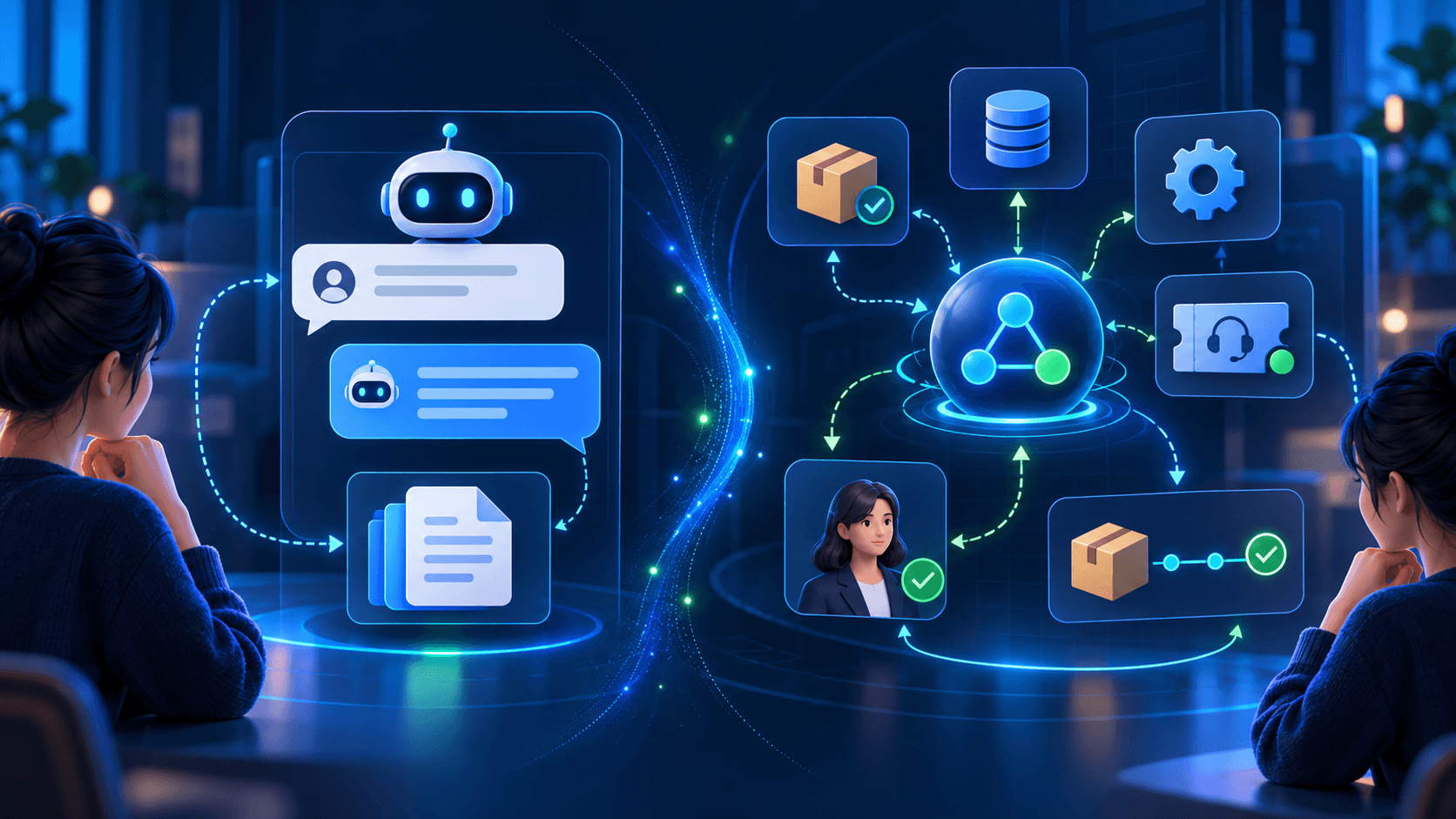
A customer writes, "My order hasn't arrived. Can you help?" A chatbot might explain how to find the tracking link. An AI agent, if connected to the right systems, could check the order, identify a delivery exception, and prepare a support ticket.
The difference is the work each system is designed to do. A chatbot primarily handles a conversation. An AI agent works toward a defined goal by choosing and carrying out permitted steps. Their capabilities can overlap, and a customer may encounter both through the same chat window.
What is a chatbot?
A chatbot is software that communicates through a chat interface. A basic chatbot follows a script or menu. An AI chatbot can respond to varied questions using information such as product documentation or a help center.
Chatbots are useful for answering common questions, explaining policies, collecting contact details, and directing people to the right team. Some can also retrieve records or trigger predefined workflows. What a particular chatbot can do depends on how it was built and connected.
What is an AI agent?
An AI agent is a system designed to pursue a goal using the tools and permissions available to it. It can select a next step, use a connected tool, assess the result, and continue or ask a person for help.
In a hypothetical support workflow, an agent could check an order, compare its status with a delivery policy, update a ticket, and draft a response. That does not mean it should have permission to change every order or send every response. Its access and approval rules need to match the task.
AI agents vs chatbots: key differences
Here is how the two compare across four practical questions:
- Main role: a chatbot manages a conversation and provides help; an AI agent works toward a defined outcome
- Typical task: a chatbot answers a return-policy question; an AI agent checks a return request and prepares the next permitted step
- Use of systems: a chatbot may retrieve information or start a set workflow; an AI agent may choose among permitted tools and steps
- Oversight: a chatbot needs checks on accuracy, uncertain answers, and handoff; an AI agent needs those, plus permissions, actions, and results
Labels are not rigid categories
These are practical distinctions, not rigid product categories. A chatbot can perform actions, and an agent can converse with a user. Evaluate the workflow a product can complete, rather than relying on its label.
Which works better for customer support?
Look at what your team does after receiving a request. If most requests need an answer that already exists in your documentation, a chatbot may be enough. Keep its information current and give customers a clear path to a person when an answer is uncertain.
If staff must repeatedly check orders, compare information across systems, and take routine follow-up steps, an agent may be worth testing. Begin with limited access. For example, let it prepare a proposed action for review before allowing it to change a record or issue a refund.
Judge success by whether the request was resolved correctly. A quick reply has limited value if a person must still repeat the entire task.
Which works better for lead qualification?
A chatbot can answer service questions and ask visitors about their requirements, budget, and timeline. A salesperson can then review the details and follow up.
A lead qualification agent may help when the next steps involve checking service criteria, finding missing information, updating a CRM, and routing the inquiry. Set clear rules for what it may say about pricing, availability, and delivery dates. Those claims should come from approved information.
How should you choose a first use case?
Review a sample of recent support conversations or sales inquiries. For each, note what the customer wanted, which systems an employee used, what action they took, and whether someone had to approve it. Then choose one frequent, clearly defined task.
Before testing a solution, decide:
- Outcome: what counts as a correctly resolved request?
- Information: are the policies and records it needs accurate?
- Access: what can it read, change, or send?
- Handoff: when should a person take over, and what context will they receive?
- Measurement: how will you track errors, escalations, customer experience, and work saved?
Test before you expand
Test the workflow against real examples and review failures before expanding access. Also compare its full operating cost, including integrations and human review, with the work it removes.
Frequently asked questions
Can a business use both a chatbot and an AI agent? Yes. A chatbot can answer routine questions and collect details. An agent can handle a permitted task when the request requires action. A person can take over exceptions.
Are AI agents always better than chatbots? No. A well-maintained chatbot may be simpler for questions that only need clear answers. An agent adds setup and oversight when it can use tools or change records.
Do I need a custom AI solution? Not necessarily. Check whether your existing support or CRM software can handle the workflow first. A tailored solution becomes more relevant when available tools cannot accommodate your process, connections, or approval rules.
The best starting point
The best starting point is one real request: map how your team handles it, then identify which steps need an answer, an action, or human judgment.
Have an AI idea?Let's build it.
Planning an AI-powered workflow? Share the task, systems involved, and approval rules with Yuni Tech to discuss a practical first version.
Related articles
- AI & Automation
AI Agents for Customer Support: What They Can Do and How to Start
By Yuni Tech Inc. Team5 minutes read
- Mobile Apps
What Affects the Cost of Building an Uber-Like App?
By Yuni Tech Inc. Team4 minutes read
- Mobile Apps
Flutter vs React Native in 2026: How to Choose for Your Mobile App
By Yuni Tech Inc. Team4 minutes read